Media & partners

Merion Brand Resources

Official marks, color specifications, and practical usage guidance for representing Merion consistently.

01 / Logo system

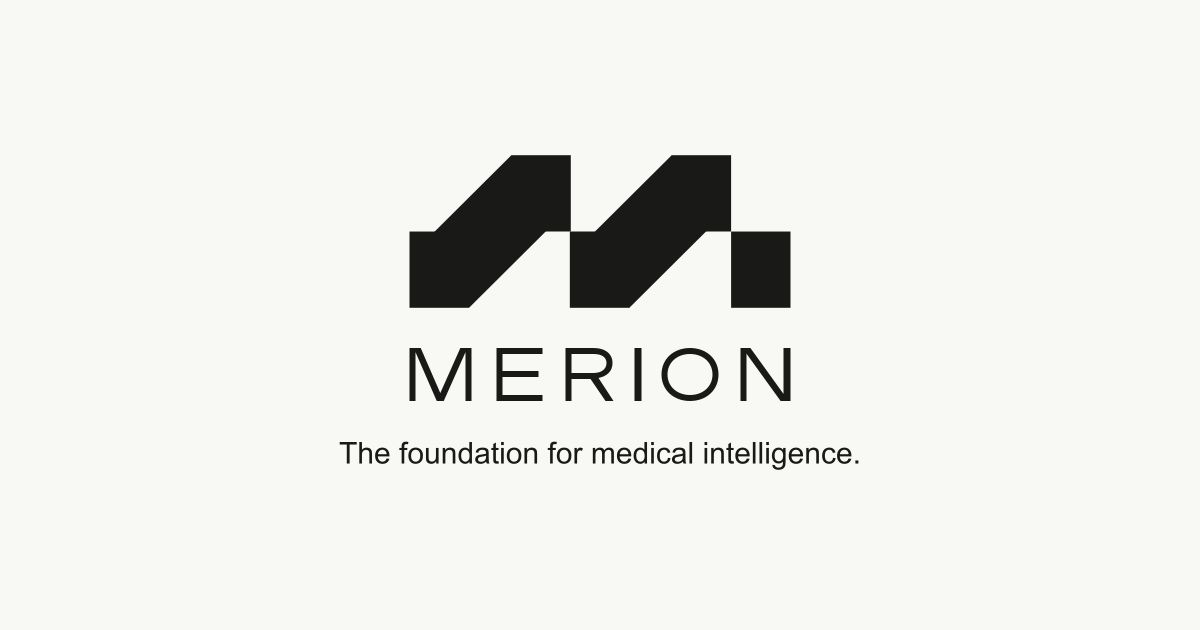
The Merion mark

Use the primary SVG whenever possible. Choose the canvas or transparent variant that maintains maximum contrast with its surroundings.

02 / Transparent marks

Production-ready PNGs

Dark marks are intended for light surfaces. Light marks are intended for dark surfaces. Preserve the original proportions and transparent canvas.

03 / Color

Core palette

Merion Light

#F8F8F4

RGB 248 · 248 · 244

Merion Dark

#191918

RGB 25 · 25 · 24

This pair provides approximately 16.5:1 contrast and is suitable for normal and large text under WCAG AA and AAA contrast criteria.

04 / Usage

Keep the mark recognizable

  • Use only the approved Merion Light and Merion Dark color pairing.
  • Leave clear space around the mark equal to at least one vertical stem.
  • Use the SVG for scalable digital and print applications whenever possible.
  • Below 64 CSS pixels wide, use the supplied favicon or app-icon assets.
  • Do not distort, rotate, outline, recolor, crop, or add effects to the mark.

Naming

Company
LABS
Product
Merion Foundation

Company tagline

The foundation for medical intelligence.

Merion Foundation tagline

From clinical records to medical intelligence.

Typography

Typeface
Custom vector wordmark
Weight
Master artwork
Case
Uppercase
Letter spacing
Built into artwork
Usage
MERION · MERION LABS

MERION is custom-drawn artwork rather than typeset text. Use the approved vector wordmark without changing its proportions or spacing.

05 / Social banner

Sharing Merion

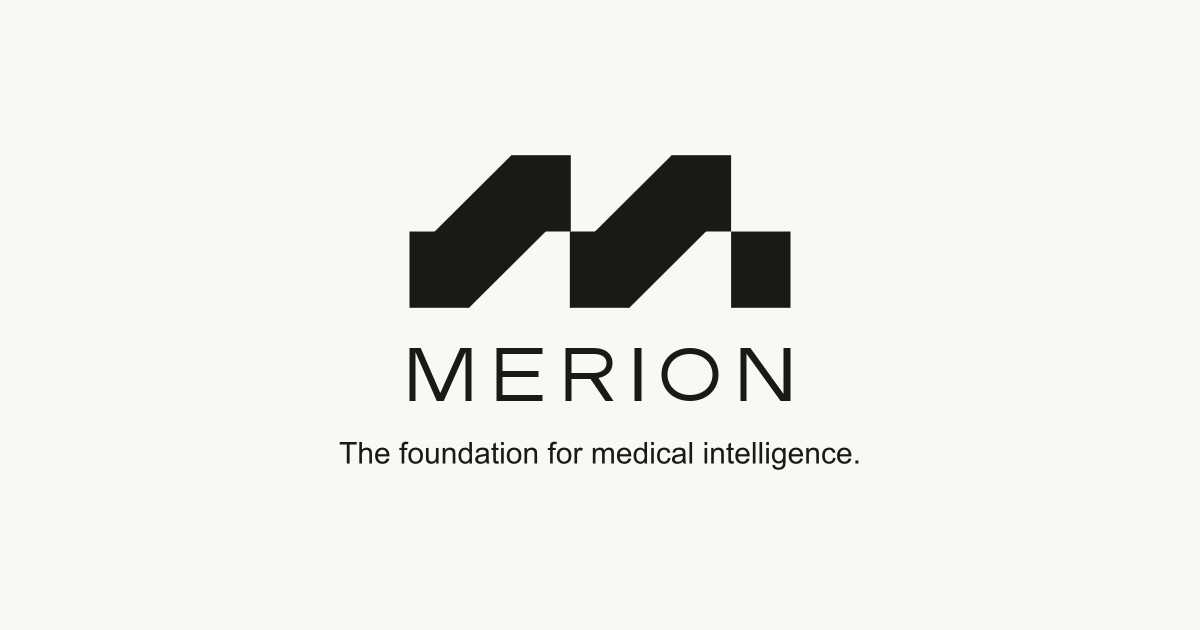
The approved 1200 × 630 image for link previews, media coverage, and social sharing.
Download PNG
MERION — The foundation for medical intelligence.

06 / App icons

Browser and device assets

Includes an adaptive SVG favicon, a two-size ICO fallback, PNG favicons, and an opaque 180px Apple touch icon.